








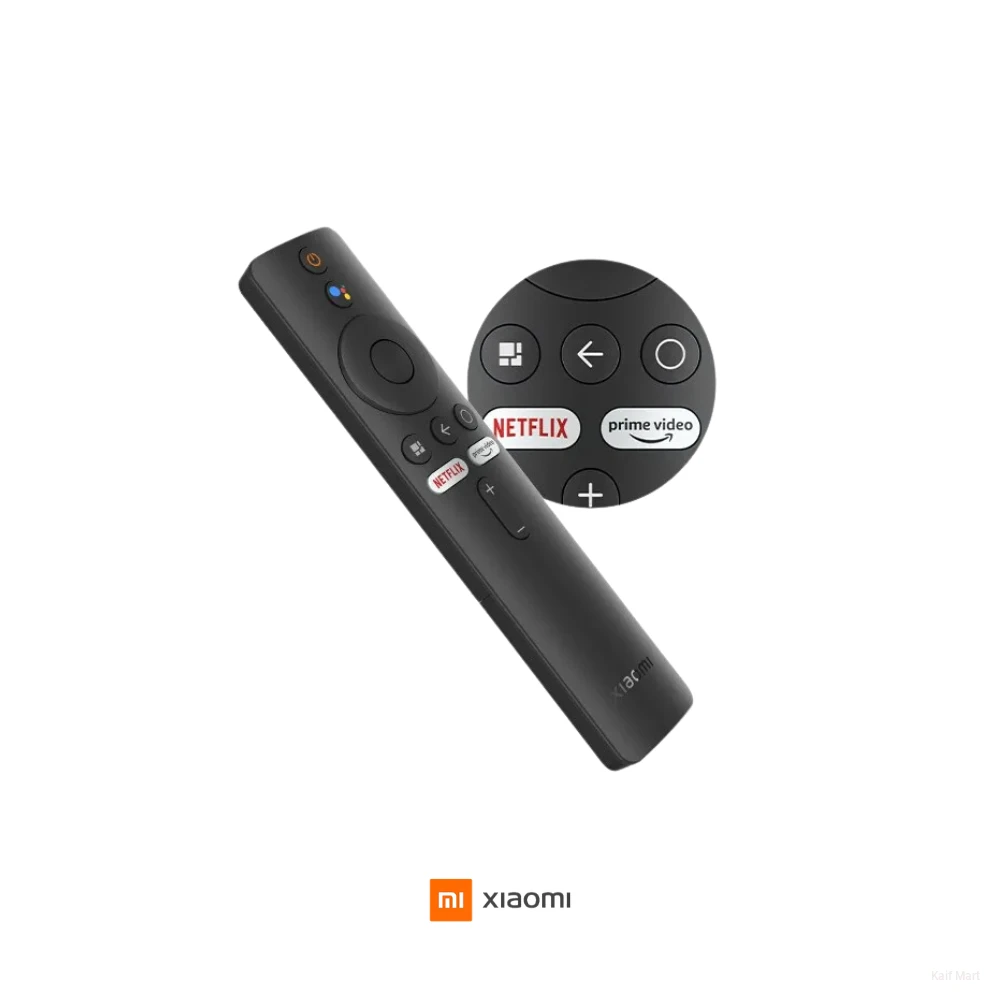
Xiaomi TV Bluetooth Remote Global Version | Mi Box & Mi TV Control
Inhouse product



Product Description
This remote utilizes Bluetooth 4.2 connectivity, which removes the need for a direct line-of-sight required by traditional infrared remotes. This allows you to control your device even if it is hidden behind a cabinet or mounted behind a television. The Global Version is specifically designed for international markets, featuring dedicated hotkeys for popular streaming services like Netflix and Amazon Prime Video.
At the core of its functionality is the integrated microphone for Google Assistant. By simply pressing the dedicated voice button, you can search for movies, open apps, or control connected smart home devices using voice commands. Its minimalist, ergonomic design is lightweight and crafted from high-quality ABS material, ensuring durability for daily use.
Technical Specifications
| Feature | Specification |
| Model Number | XMRM-010 / XMRM-19 (Common Variants) |
| Wireless Communication | Bluetooth 4.2 & IR (Infrared) |
| Operating Distance | Up to 10 Meters |
| Frequency Range | 2.40GHz – 2.48GHz |
| Special Buttons | Google Assistant, Netflix, Prime Video |
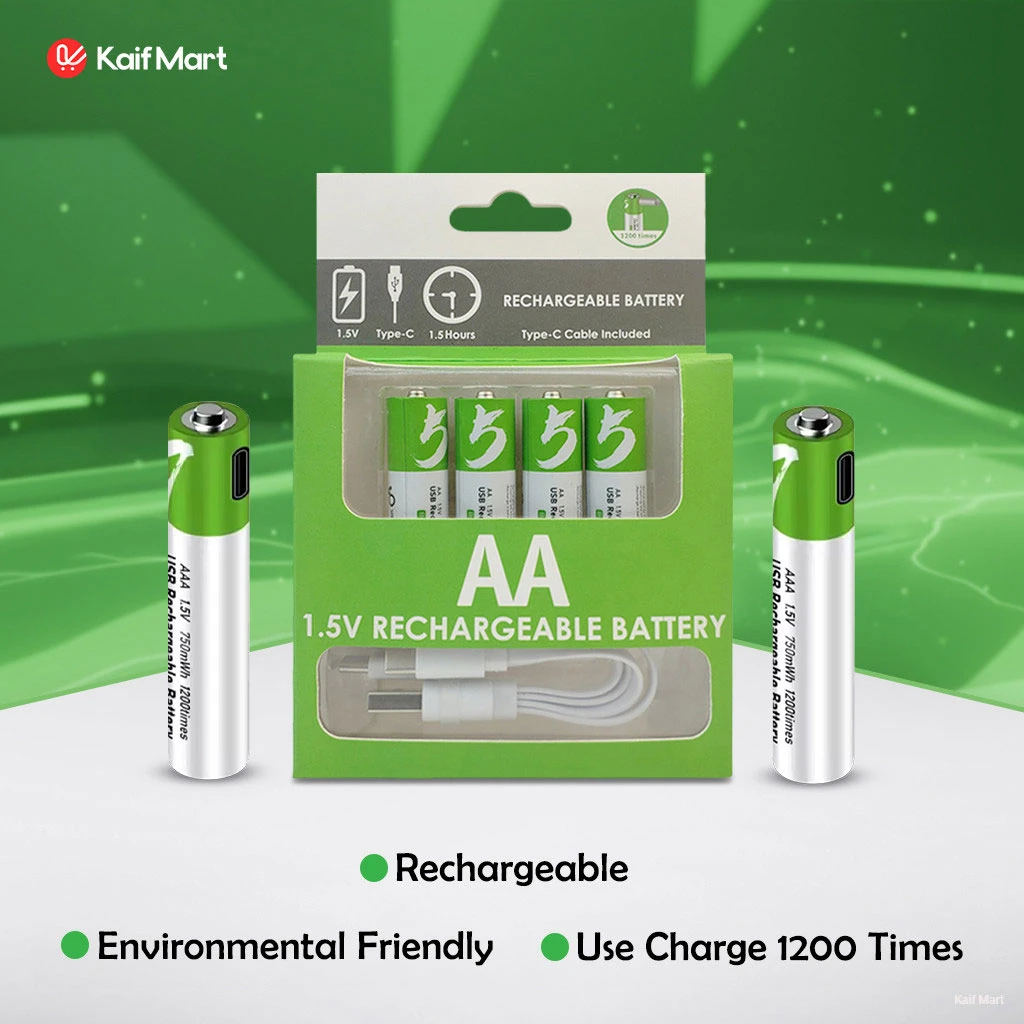
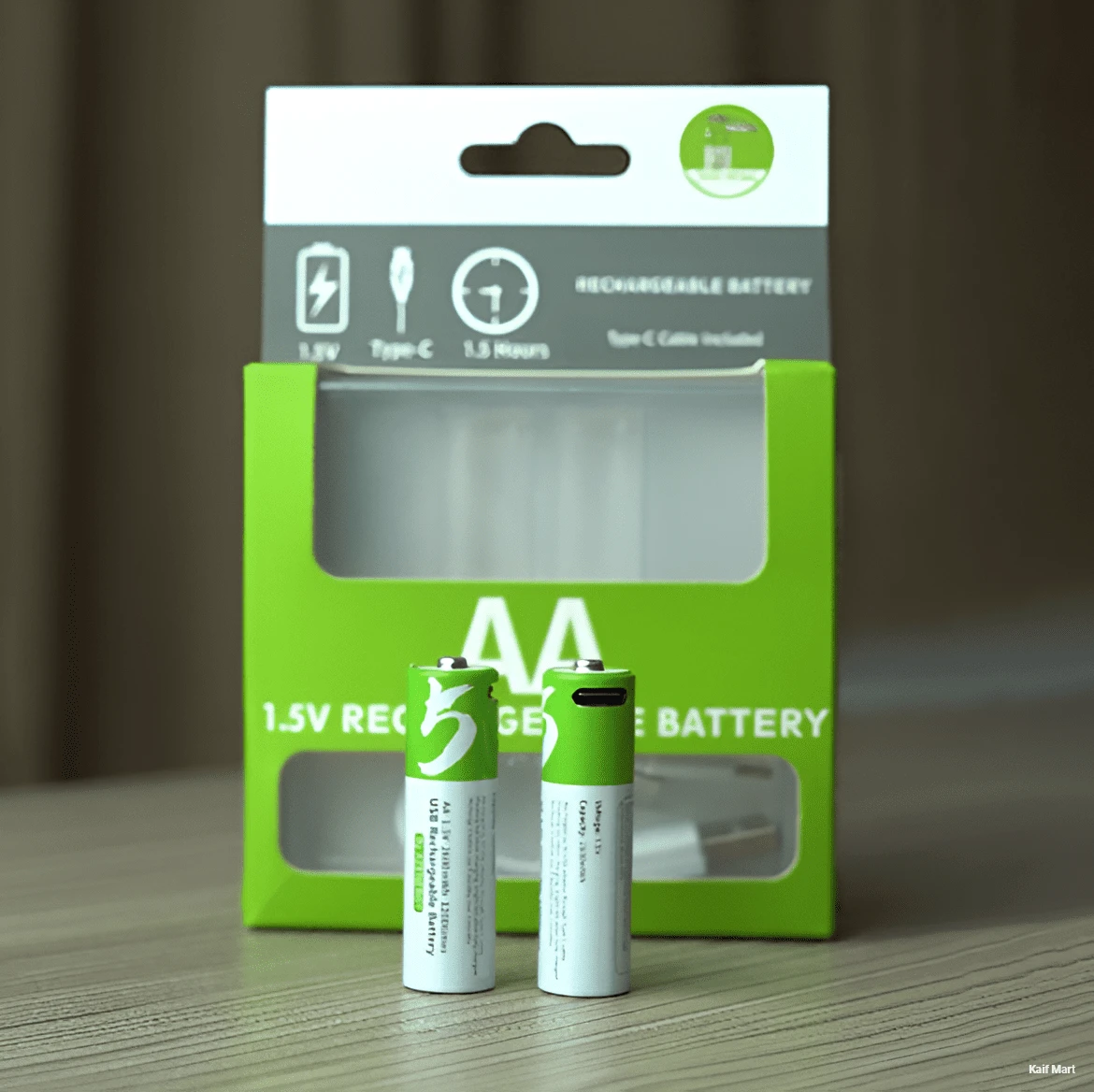
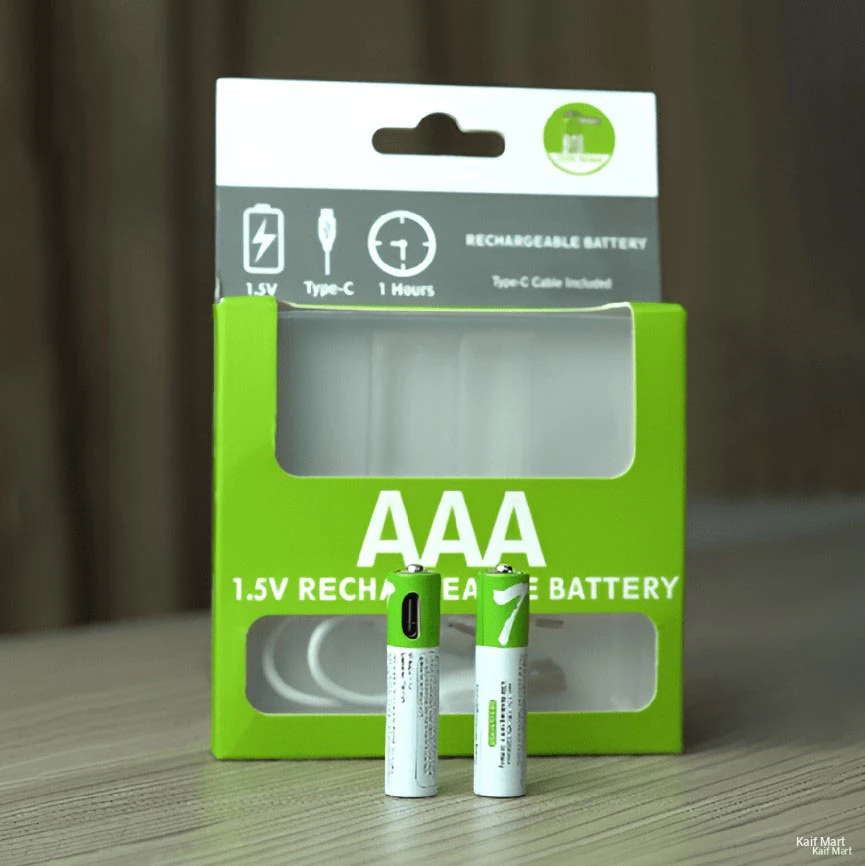
| Power Supply | 3V / 2x 1.5V AAA Batteries |
| Material | Premium ABS Plastic |
| Compatibility | Mi TV 4A, 4S, P1, Mi Box S, Mi TV Stick, Mi Box 4K |
| Voice Function | Built-in Mic for Voice Search |
Key Capabilities
360° Bluetooth Control: Unlike standard remotes, the Bluetooth link ensures you can operate your TV from any direction without aiming at the screen.
Instant Voice Search: Use the Google Assistant button to find content, check the weather, or launch YouTube instantly with your voice.
Dedicated Streaming Hotkeys: Features one-click access to Netflix and Prime Video, allowing you to jump straight into your favorite shows.
Smart Device Integration: Control not just your TV, but also compatible smart home gadgets connected to your Xiaomi ecosystem via voice commands.
Ergonomic & Minimalist: The slim profile and tactile button layout are designed for intuitive, one-handed operation.
Wide Compatibility: Works as a direct replacement for the original remote included with the Mi Box S, Mi TV Stick, and most Mi Smart Android TVs.
Pairing Instructions
Ensure the TV or Mi Box is manually switched ON first.
Hold the remote close to the device (within 20cm).
Press and hold the "Mi" button and the "Home" button simultaneously for several seconds.
Once you hear a "beep" or see the pairing success notification on the screen, release the buttons.
Reviews & Ratings
Frequently Bought Products
Product Queries (0)
Login Or Registerto submit your questions to seller
Other Questions
No none asked to seller yet

With a customer-first mindset, Kaif Mart aims to make online shopping smooth, secure, and satisfying. We don’t just sell products; we bring solutions to your doorstep — with transparency, consistency, and care. Thus we look forward to be connected with you, make a friendly relationship with you, for your longer support with trust!
Try us today! Be one of Kaif Mart Family!

